
Out now · PS5 and Xbox Series X|S
GTA 6 patch notes, updates and known bugs
Every GTA VI title update with its version, date and size, and the launch problems players are hitting on PS5 and Xbox Series X|S. Rockstar has not published patch notes yet, so we label every claim by where it comes from.
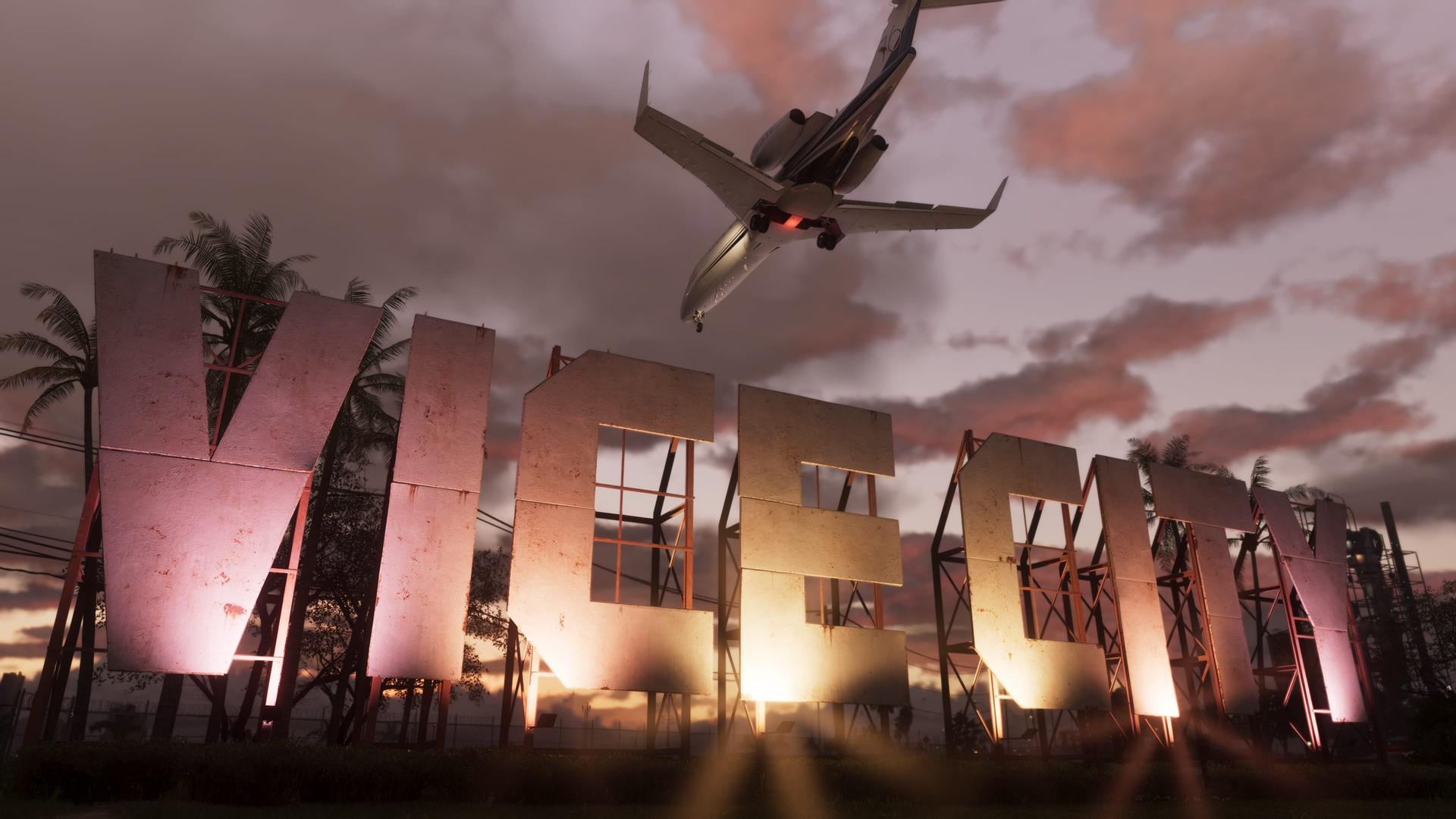
Screenshot: Rockstar Games
- Latest version
- 1.002.001
- Official patch notes
- 0
- Issues tracked
- 11
- Not fixed yet
- 6
No patch notes yet: Rockstar has released two updates and published notes for neither. It also has no known-issues page for GTA VI. Version numbers, dates and sizes below match across several trackers. What each update changed is unconfirmed.
Every GTA VI update
| Version | Size | What we know |
|---|---|---|
| 1.002.001No patch notes | PS5: 602.5 MBXbox Series X|S: 1.59 GB | The second pre-launch update, required before you can play. It rolled out on PS5 in three waves between November 16 and 17. Some headlines called it a day-one patch, but it arrived three days before launch.
|
| 1.002.000No patch notes | PS5: About 1.07 GBXbox Series X|S: Not confirmed | The first update after pre-load opened. On PS5 it appeared in the download queue as "No Title" and rolled out in two waves.
|
On PS5 the same updates appear as builds 01.002.000 and 01.002.001.
How to update GTA 6
PS5 and PS5 Pro
- Update the console first. Settings > System > System Software. The game will not start on old system software.
- Check for a game update. Highlight GTA VI on the home screen, press Options and choose Check for Update.
- Keep it automatic. Turn on Auto-Download under Settings > Saved Data and Game/App Settings > Automatic Updates, and set Rest Mode to stay connected to the internet.
Xbox Series X|S
- Turn on automatic updates. Profile & system > Settings > System > Updates, then tick Keep my games & apps up to date.
- Watch the queue. My games & apps > See all > Manage > Queue shows a pending GTA VI update. Some guides also point to the Updates tab under Manage game and add-ons; Xbox Support does not document a per-game check.
Update stuck on PS5? Test the connection under Settings > Network, restart and try again. If that fails, update the system software or reinstall from the Game Library. As a last step, start in Safe Mode and choose Clear Cache and Rebuild Database.
Known issues and fixes
Sorted from best to least evidenced. Player reports are real complaints, but nobody has confirmed how widespread they are. We have not reproduced these ourselves.
| Issue | Status | What to do |
|---|---|---|
| Game will not start without the latest PS5 system softwarePS5, PS5 ProGTA VI refuses to launch on consoles that have skipped recent system updates. | ResolvedConfirmed by platform or Rockstar | Go to Settings > System > System Software and install the latest update (26.07-14.23.00 at launch), then install any pending game update. Trackers disagree on the minimum version, so take the newest one.Source: PlayStation Support, as reported by Nerdism. Trackers name 14.21.00, 14.22.00 and 14.23.00 as the minimum; Sony has not named one. |
| PSN sign-in and launch errors on November 18PS5Sign-in and game-launch errors while the PlayStation status page listed problems with gaming and social features. | ResolvedConfirmed by platform or Rockstar | Services were restored before the US unlock. If errors come back, check the PlayStation Network status page before reinstalling anything.Source: PlayStation Network status page, reported by GameSpot and GamesRadar+. Sony has not given a cause. |
| PS5 Pro is capped at 30 fpsPS5 ProThere is no 60 fps or performance mode. Digital Foundry measured a near-locked 30 fps on PS5 Pro, with drops only in extreme stress tests. | By designConfirmed by platform or Rockstar | Nothing to fix. Rockstar says the console cannot run the simulation at higher frame rates and has not announced a performance mode.Source: Rockstar technology production director Marc Chambers, quoted by GamesRadar+; Digital Foundry testing relayed by VGTimes. |
| Low resolution and around 20 fps on Xbox Series SXbox Series SSeries S renders at 720p internally (1440p on the other consoles) and upscales with FSR 4. Digital Foundry measured mid-to-high 20s in the city and about 20 fps in demanding scenes; other reports say it dips below 20. | Not fixedMeasured by outlets | No patch and no Rockstar statement yet.Source: Digital Foundry, as relayed by VGTimes. |
| Less stable frame rate on the base PS5PS5PS5 and PS5 Pro both target 30 fps, but drops are more noticeable on the standard PS5. Series X performs about the same as the base PS5. | Not fixedMeasured by outlets | Nothing to try yet.Source: ElAnalistaDeBits and Digital Foundry comparisons, as relayed by VGTimes. |
| Digital copy asks to re-check the licence after about an hour offlinePS5 (digital)The single-player game asks to confirm the licence again after roughly an hour without a connection. | WorkaroundSingle report | Turn on Console Sharing and Offline Play on the PS5 you play on.Source: GameSpot, as reported by Nerdism. The workaround is PlayStation’s standard advice for offline play. |
| Lost progress after a crashPS5, Xbox Series X|SAfter a crash, the last autosave is older than expected and players replay missions. One streamer lost about ten hours, though it is unclear whether the console crashed or was switched off. | WorkaroundPlayer reports | Save manually to more than one slot, and check Load Game for an autosave before assuming progress is gone.Source: Notebookcheck, as reported by Nerdism. No Rockstar statement. |
| PS5 crashes with error CE-108255-1, and consoles shutting downPS5, PS5 ProThe game closes to the home screen with error CE-108255-1, or the whole console powers off. PS5 Pro owners report repeated crashes during the prologue. Reinstalling, clearing the cache and rebuilding the database do not stop it, according to players. Outlets suspect overheating or worn cooling on older consoles, but nobody has shown that. | Not fixedPlayer reports | No fix yet. Update the system software and the game, keep about 10 cm of space around the console and clear dust from the vents. If the console switches itself off, contact PlayStation Support.What we know about CE-108255-1Source: Player reports gathered by Nerdism, eTeknix and Instant Gaming. Sony’s CE-108255-1 page only says an error occurred with the game. No Rockstar or Sony statement. |
| Xbox Series X crashes to the dashboardXbox Series XThe game freezes for several seconds and drops to the Xbox home screen. One player reports it every 5 to 20 minutes. | Not fixedPlayer reports | No known fix. Xbox Support sends GTA VI problems to Rockstar Support.Source: Reddit reports covered by UNILAD Tech and Notebookcheck, as gathered by Nerdism. |
| Boxed codes fail to redeemPS5Codes from boxed or retail editions fail to redeem on PlayStation Store. | Not fixedSingle report | Code problems are handled by PlayStation Support, not Rockstar.Source: GamesRadar+, as reported by Nerdism. Not confirmed by a second outlet. |
| Softlock after leaving a bank in an early Lucia missionNot statedThe mission does not progress after Lucia leaves the bank. | Not fixedSingle report | No known fix yet.Source: GameWatcher’s bug megathread, as reported by Nerdism. Single source. |
Claims we cannot confirm
- Rockstar apologised for launch bugs and scheduled a fix for November 25. A viral post on X. There is no such statement on Rockstar’s Newswire, support site or social accounts.
- GTA VI runs at 280 fps on PS5 Pro. A Telegram post using external frame generation. It is not a native mode and nobody has reproduced it.
- Update 1.003 is out. No tracker lists an update after 1.002.001 as of November 20.
Update questions
Are there GTA 6 patch notes?
Not yet. Rockstar has released two updates, 1.002.000 and 1.002.001, without patch notes, and has not published a known-issues list. Any list of changes you see comes from dataminers or players.
What is the latest GTA 6 update?
Version 1.002.001, released November 16, 2026. It is 602.5 MB on PS5 and 1.59 GB on Xbox Series X|S, and you need it before you can play.
Did GTA 6 get a day-one patch?
Not on launch day itself. Some headlines called 1.002.001 the day-one patch, but it went out on November 16, three days before release. No update after it has been tracked as of November 20.
Will GTA 6 get a 60 fps mode on PS5 Pro?
Rockstar says no. Its technology production director said the PS5 Pro is not powerful enough to run the simulation at higher frame rates, and no performance mode has been announced.
Where do I report a GTA 6 bug?
Rockstar Support. PlayStation and Xbox both send GTA VI game problems there. Include your console model, the game version and where the problem happens.
How we track this
We list an update once at least two trackers agree on its version, date and size, and we add patch notes only when Rockstar publishes them. Each issue names its source and how well it is evidenced. We update this page when Rockstar posts notes or fixes something. Last reviewed 2026-11-20.
- Rockstar Support — Grand Theft Auto VI articles ↗
- PlayStation — GTA VI support ↗
- GTA6DB — patch notes and how to update ↗
- Bloxodes — GTA 6 patch notes tracker ↗
- Of Zen and Computing — GTA 6 updates tracker ↗
- Tech Times — second pre-launch update, still no patch notes ↗
- Nerdism — GTA 6 bugs, errors and fixes (live) ↗
- VGTimes — PS5 Pro targets 30 fps ↗
- VGTimes — PS5, PS5 Pro and Xbox Series X|S compared ↗
Hit a bug we are missing, or found a fix? Tell us.