
Out now · PS5 and Xbox Series X|S
How to save in GTA 6: manual saves, autosave and slots
Pause the game, open the Game tab and choose Save Game. You get 15 manual slots plus one autosave slot, and you can save anywhere in free roam, with no bed, safehouse or phone needed. You cannot save during a mission or the prologue.
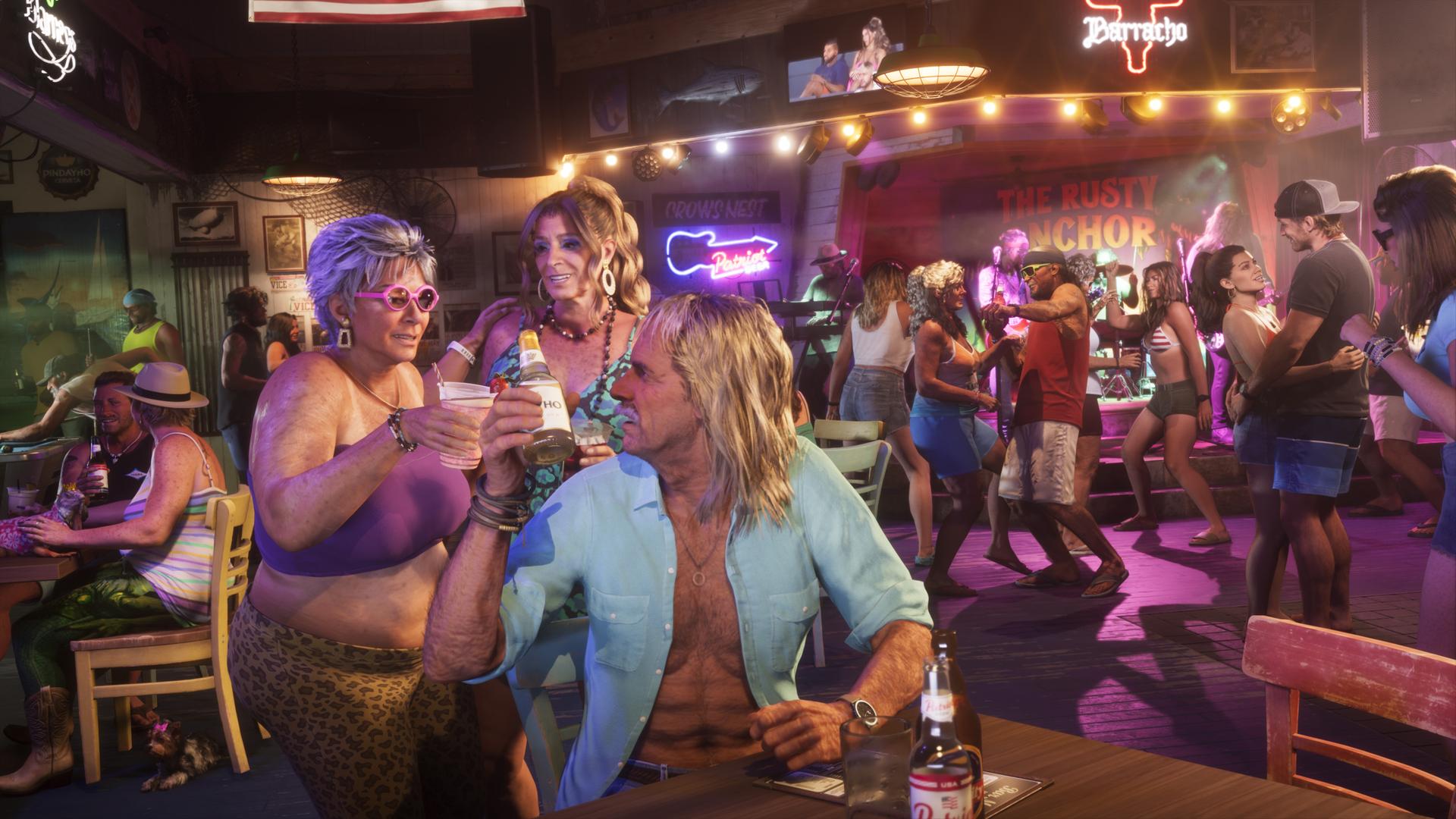
Screenshot: Rockstar Games
- Manual slots
- 15
- Autosave slots
- 1
- Mission replay
- None
How to save manually
1. Press Options on PS5 or Menu on Xbox Series X|S to pause. The PS5 touchpad opens the map instead.
2. Open the Game tab and choose Save Game.
3. Pick one of the 15 slots. The list shows the last mission, your completion percentage and the date. Overwriting a slot replaces that save for good, and the game asks you to confirm.
Load a save from the same tab with Load Game, which lists the autosave and all manual saves.
How the autosave works
GTA VI autosaves after missions and some open-world events into a single slot that overwrites itself each time. It is not timed and cannot be turned off. Loading an older manual save can overwrite the autosave, and players report losing free-roam progress such as cars and purchases when they relied on it alone, so make manual saves as well.
When you cannot save
| Situation | Can you save? | What happens |
|---|---|---|
| Prologue | No | Manual saving opens once the opening section ends and Jason is back at his house. |
| During a mission | No | The pause menu offers Retry Checkpoint and Restart Mission instead. Quitting sends you back to free roam, and the mission starts over. |
| Free roam | Yes | Save anywhere from the pause menu. |
| Cheats turned on | No | Cheats turn off saving, and trophies, until you quit and reload. |
There is no mission replay
Finished missions cannot be replayed from a menu, and guides report no chapter select or New Game Plus at launch. Keep a few manual saves as checkpoints: one at the start of each chapter, one before each heist, and one before the final mission. Save before Jason drives off to pick up Lucia, because projects at Jason’s house left unfinished then cannot be done later.
Guides disagree on what happens after the credits. Output Lag and The Tech Basket say the game returns you to just before the final mission, while GTA Zone says finished missions do not come back. A save before the finale covers you either way.
Cloud saves and save problems
On PS5, cloud saves need PlayStation Plus and auto-upload turned on in the console settings. On Xbox, saves sync automatically to your Microsoft account. There is no cross-platform save transfer.
Some PS5 players report error CE-108255-1 while loading a save. See what we know about CE-108255-1 and the list of known bugs.
Questions
How do you save in GTA 6?
Pause with Options on PS5 or Menu on Xbox, open the Game tab, choose Save Game and pick one of 15 slots. You can save anywhere in free roam.
Does GTA 6 have autosave?
Yes. It autosaves after missions and some open-world events into one slot that overwrites itself, so keep manual saves too.
Can you replay missions in GTA 6?
No. There is no mission replay at launch, so keep manual saves before chapters, heists and the final mission if you want to go back.
How we checked this
Steps and slot counts match across four launch guides. Rockstar has not published a saving guide. Points that only one guide reports, such as where a free-roam save loads you, are left out or marked. Last reviewed 2026-11-21.
- Tech2Geek — How to save in GTA 6 ↗
- Respawndex — Saving in GTA 6 ↗
- GTA Zone — How to save in GTA 6 ↗
- The Tech Basket — GTA 6 how to save ↗
Spotted something wrong? Send a correction.